Step 1 — Customer Identification
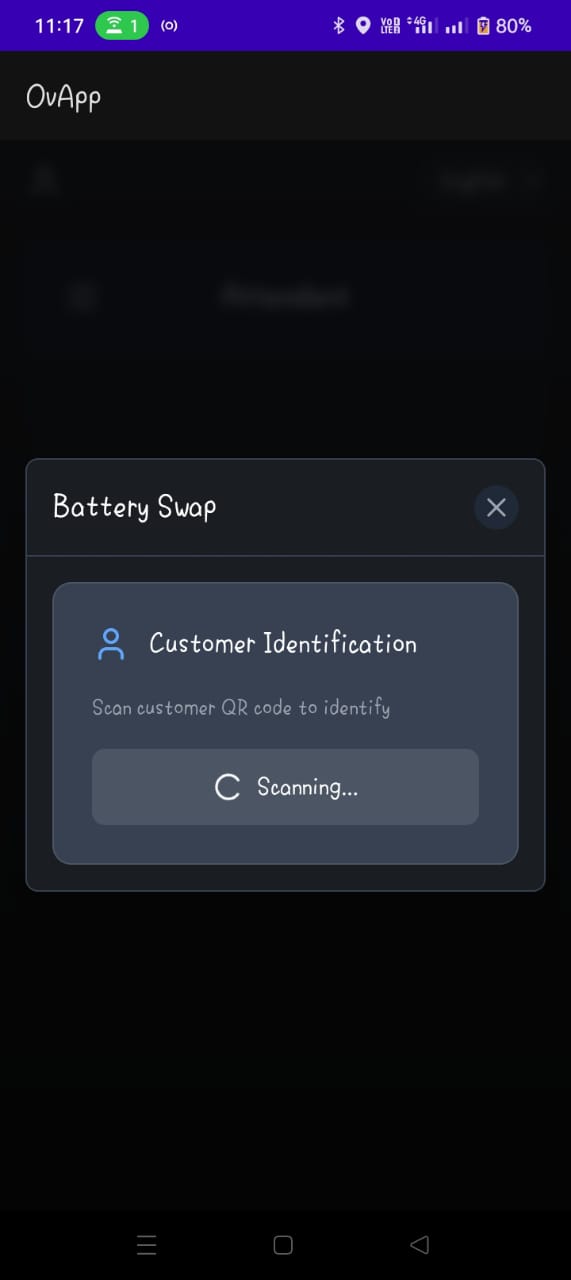
Purpose
The Customer step is the entry point of the battery swap flow. The attendant identifies the customer so the app can retrieve their subscription details from the backend.
Identification Methods
Scan Subscription QR Code (Primary)
- The customer presents a subscription QR code (displayed in their app or printed).
- The attendant scans it using the in-app camera.
- Recommended for speed and accuracy.
Enter Subscription ID (Fallback)
- The attendant manually types the customer's subscription ID.
- Used when the QR code is unavailable or unreadable.
Note
Manual entry should only be used when QR scanning is not possible, to reduce input errors.
Backend Lookup
Once the subscription is identified, the app queries the backend and retrieves:
| Field | Description |
|---|---|
| Customer name | Full name linked to the subscription |
| Subscription plan | The active plan the customer is on |
| Energy quota remaining | Prepaid energy credit (in kWh) available to offset swap cost |
| Swap count | Total number of swaps the customer has completed |
| Rate per kWh | The current price per kilowatt-hour applied to this subscription |
These details are displayed on screen for the attendant to confirm before proceeding.
Error Handling
- Invalid QR code — the app prompts the attendant to retry or switch to manual entry
- Subscription not found — a clear error message is shown; the attendant should verify the ID with the customer
- Camera permission denied — the app guides the attendant to enable camera access in device settings
Actions
- Continue proceeds to Step 2 — Return Old Battery
- Back returns to the attendant dashboard