BLE Devices
BLE Devices is a diagnostic and inspection tool within the BLE Device Manager. It is designed for technical staff and distributors who need to inspect everything about a device at a low level — identity, configuration, status, battery data, diagnostics, and remote monitoring.
Scanning & Connection
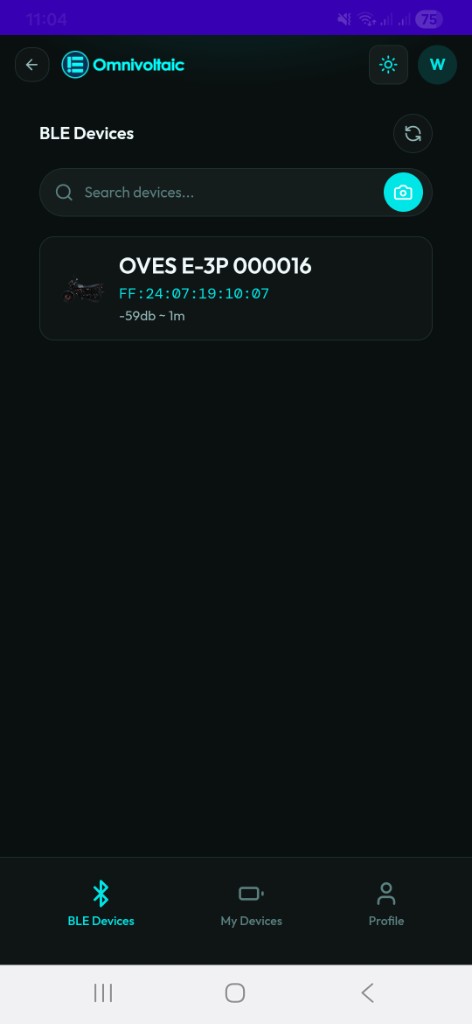
When you open the page your phone immediately scans for nearby OVES devices via Bluetooth. Discovered devices are listed with their name, product image, signal strength (RSSI), and MAC address. The list updates in batches to reduce UI lag during scans with many nearby devices.
Connecting to a Device
| Method | Description |
|---|---|
| Tap | Tap a device card in the list to connect |
| Search | Type in the search bar to filter by device name |
| Camera / QR Scan | Tap the camera icon next to the search bar to connect by QR code |
A disconnect toast is shown if the connection is lost unexpectedly after connecting.
Once connected, the app reads the device's data and takes you to the detailed device view.
Detailed Device View
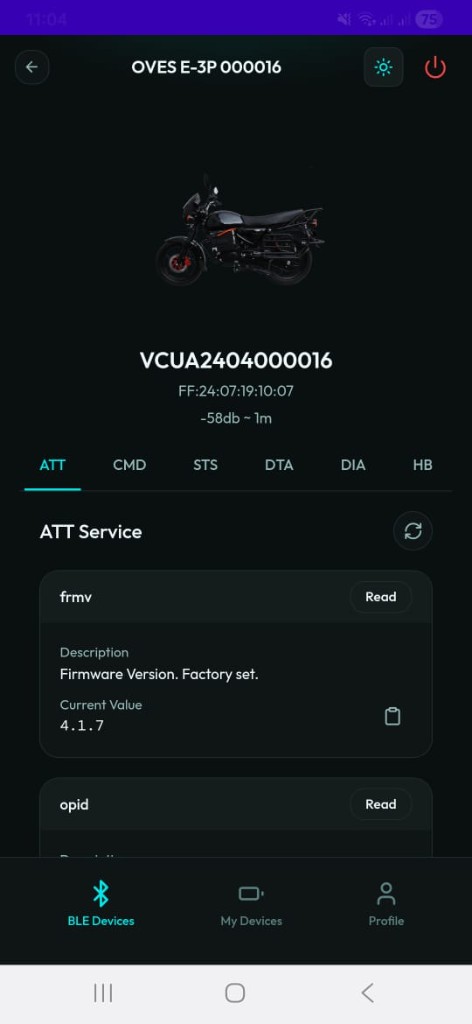
The top of the screen shows the device image, its OPID (operational identifier), MAC address, and signal strength. Below this is a tabbed interface with six service sections.
Service Tabs
Each tab reads data directly from the device over Bluetooth. All tabs support Read and Copy actions; only the CMD tab supports Write. Every completed read also automatically publishes the data to MQTT for passive backend monitoring.
ATT — Attributes
The ATT tab displays the device's identity information: serial numbers, hardware and firmware version, device model, and other identification attributes.
CMD — Commands
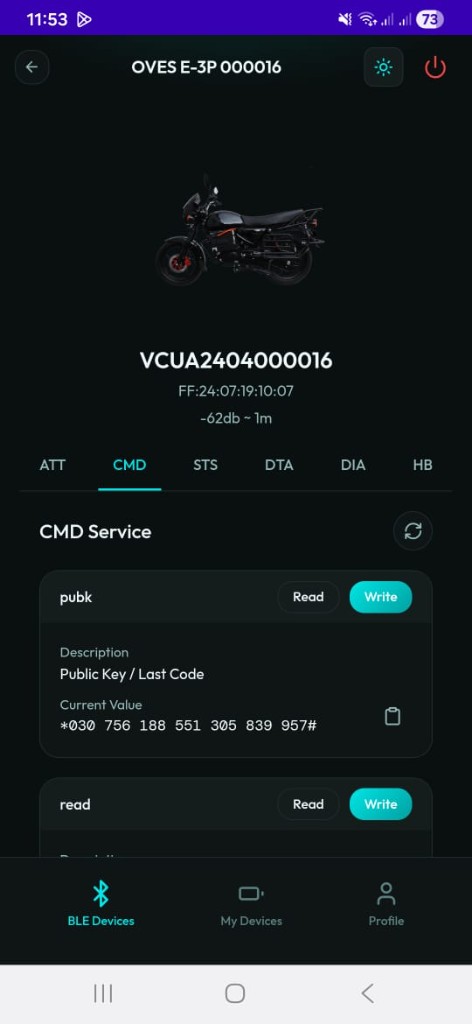
The CMD tab exposes characteristics that can be read and written. Use it to send activation tokens, update APN settings, or change configuration parameters.
| Action | Description |
|---|---|
| Read | Read the current value of a characteristic from the device |
| Write | Send a new value to the device (tokens, APN, config) |
| Copy | Copy the current value to clipboard |
Value persistence
Written values are stored locally so you can always see what was last sent — even after navigating away and returning.
STS — Status
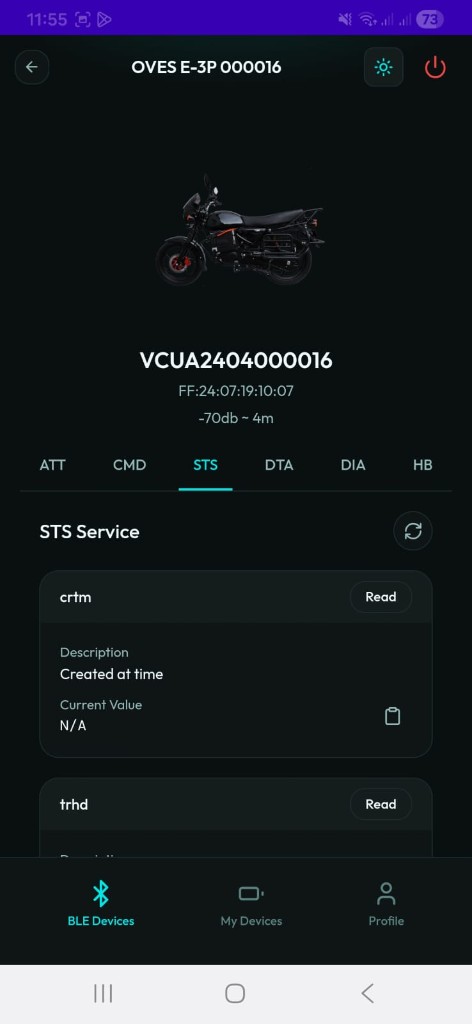
The STS tab shows the device's current operational status, including days of service remaining, activation state, and other PAYG status indicators.
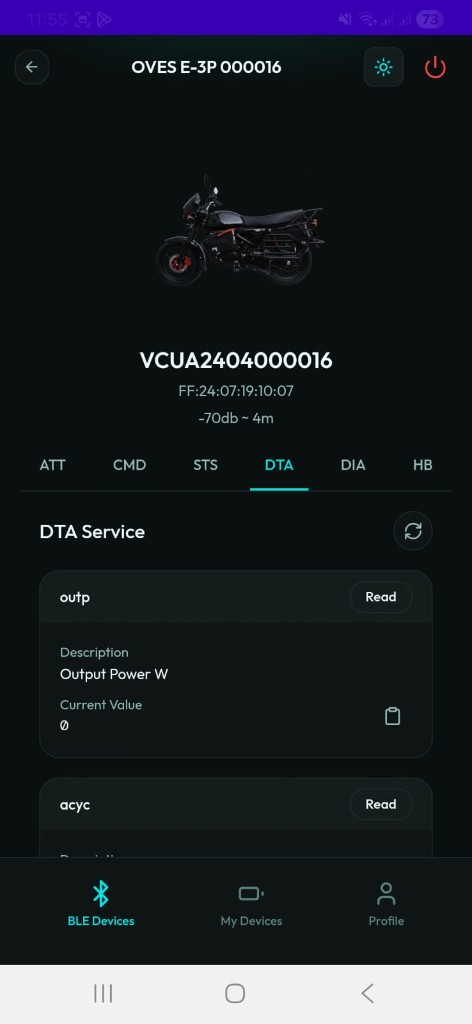
DTA — Data
The DTA tab provides battery-level telemetry: output power, accumulated cycles, voltage, capacity, energy, and other device-specific metrics.
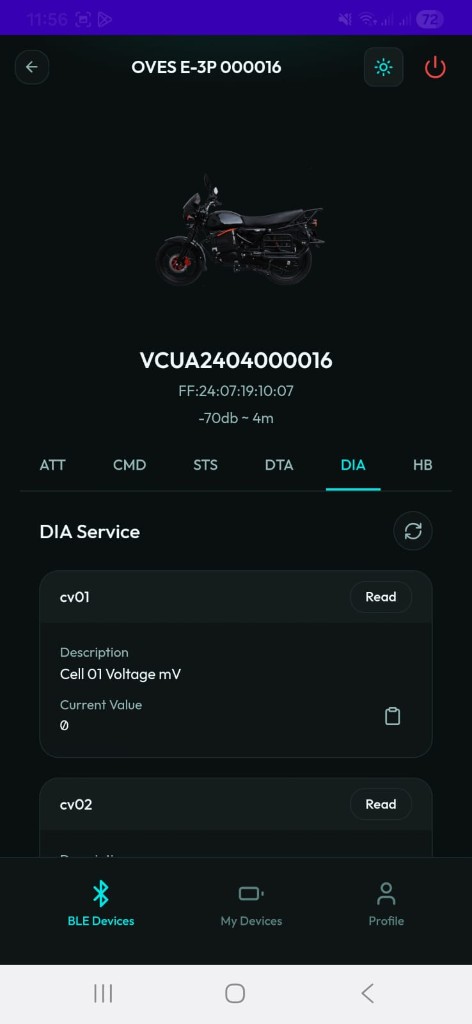
DIA — Diagnostics
The DIA tab surfaces deep diagnostic data: individual cell voltages, cell temperatures, and other parameters useful for identifying failing cells, thermal issues, or imbalanced packs.
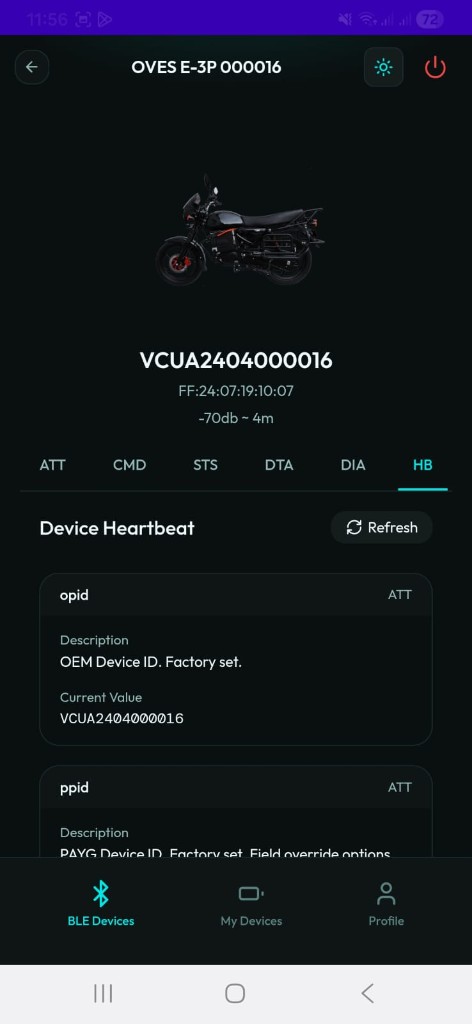
HB — Heartbeat
The HB tab collects a snapshot from all services (ATT, CMD, STS, DTA, DIA) and publishes it to the backend via MQTT. This allows remote tracking of a device's full state without needing physical access again.
Summary
| Tab | Purpose | Read | Write | Copy | MQTT |
|---|---|---|---|---|---|
| ATT | Device identity (serial, model, firmware) | ✓ | — | ✓ | Auto |
| CMD | Commands (tokens, APN, config) | ✓ | ✓ | ✓ | Auto |
| STS | Status (days remaining, activation) | ✓ | — | ✓ | Auto |
| DTA | Battery data (power, voltage, cycles) | ✓ | — | ✓ | Auto |
| DIA | Diagnostics (cell voltages, temperatures) | ✓ | — | ✓ | Auto |
| HB | Heartbeat — full snapshot published to MQTT | ✓ | — | — | Manual |